
What Is the Best CRM for Small Business in 2026

The best CRM for a small business is a customer relationship management platform that balances essential features, ease of use, and affordability to align with a team’s specific sales and operational workflows.
At Great CRM, this means focusing on tools that teams can adopt quickly and use consistently. In 2026, the market has shifted away from one-size-fits-all software toward specialized solutions that prioritize rapid adoption and meaningful automation. For an SMB, the best solution is rarely the one with the most features; rather, it is the one your team will actually use every day to maintain relationship data and drive revenue growth.
What Does “Best CRM for Small Business” Mean?
The best CRM for a small business is one that matches the company’s specific needs for managing customer relationships with minimal complexity and cost. In a small business environment, resources are often lean, meaning that a CRM must provide a high return on investment (ROI) without requiring a full-time administrator. Unlike enterprise software, which prioritizes deep data governance, an SMB CRM focuses on visibility and action—ensuring that no lead is forgotten and every client interaction is recorded.
“Best” in this context refers to a tool that facilitates growth rather than creating a technical bottleneck. It should offer a clear path for scaling, a user interface that feels intuitive to non-technical staff, and a pricing structure that remains sustainable as the business adds more users or contacts. Ultimately, the right choice acts as a centralized “system of record” that empowers the team to spend more time with customers and less time on administrative data entry.
Core Criteria to Evaluate Small Business CRM
Choosing the best CRM for a small business starts with comparing key criteria like usability, core capabilities, integrations, and cost. Because small teams often wear many hats, the software must be approachable. If the learning curve is too steep, team members will likely revert to using spreadsheets or fragmented email threads, rendering the CRM investment useless.
Key evaluation factors include:
- Ease of Setup: Can you be operational in hours, or does it take weeks of consulting?
- Contact Management: How easily can you view a 360-degree history of every interaction?
- Pipeline Visibility: Does the tool offer a visual board to track deal progress and revenue?
- Automation Basics: Can it handle repetitive tasks like follow-up reminders or lead tagging?
- Integration Ecosystem: Does it sync natively with Gmail, Outlook, and your marketing tools?
- Mobile Access: Is the mobile app robust enough for field sales or remote work?
- Total Cost of Ownership: Are there hidden fees for data storage, support, or essential add-ons?
Top 12 CRM Options for Small Business (Overview)
A range of CRM tools is commonly adopted by small businesses because they balance usability, features, and affordability. These platforms have been refined to address the specific pain points of SMBs, such as disorganized lead tracking and poor departmental communication. While they share core functionalities, each has a distinct philosophy—some focus purely on the sales pipeline, while others integrate marketing or project management.
Evaluating these options requires a “fit-first” mindset. Instead of looking for the tool with the highest rating, businesses should look for the tool that mirrors their natural sales motion. The following list highlights the most effective platforms for 2026, categorized by their primary strength, to help you narrow down your search based on your specific operational priorities.
1. HubSpot CRM – User-Friendly and Free Start
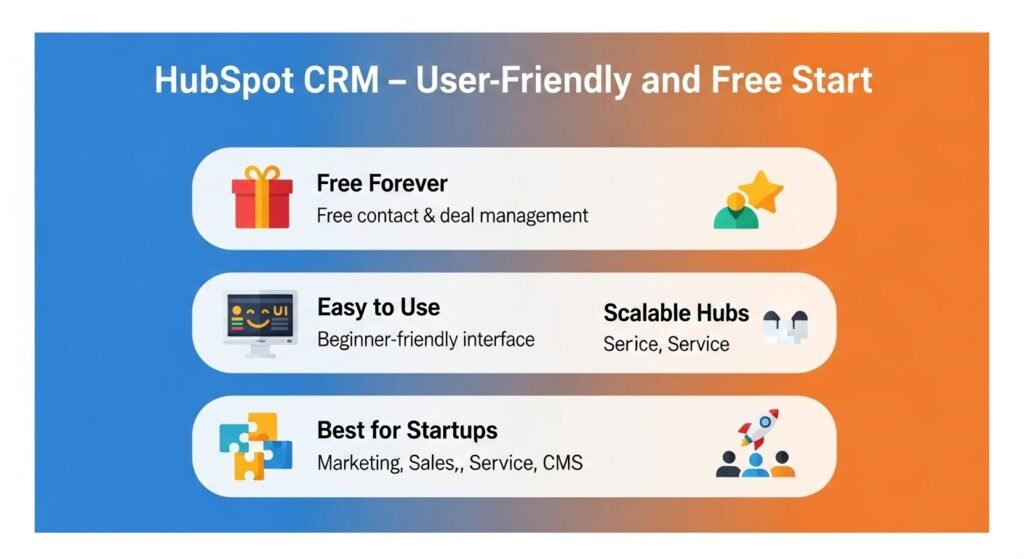
HubSpot CRM is widely used by small businesses because it combines simple contact and deal management with a free entry point. It is often the first choice for startups and lean teams that need professional-grade organization without an upfront financial commitment. The platform’s “Free Forever” tier is remarkably robust, providing basic tools for email tracking, meeting scheduling, and live chat.
One of HubSpot’s greatest advantages is its scalability. As your business matures, you can add specialized “Hubs” for Marketing, Sales, Service, and Content Management. This modular approach ensures that you only pay for the features you need today while having the assurance that the platform can support hundreds of users in the future. The interface is consistently cited as one of the most user-friendly in the industry, which leads to high adoption rates among small teams.
2. Zoho CRM – Customizable and Scalable
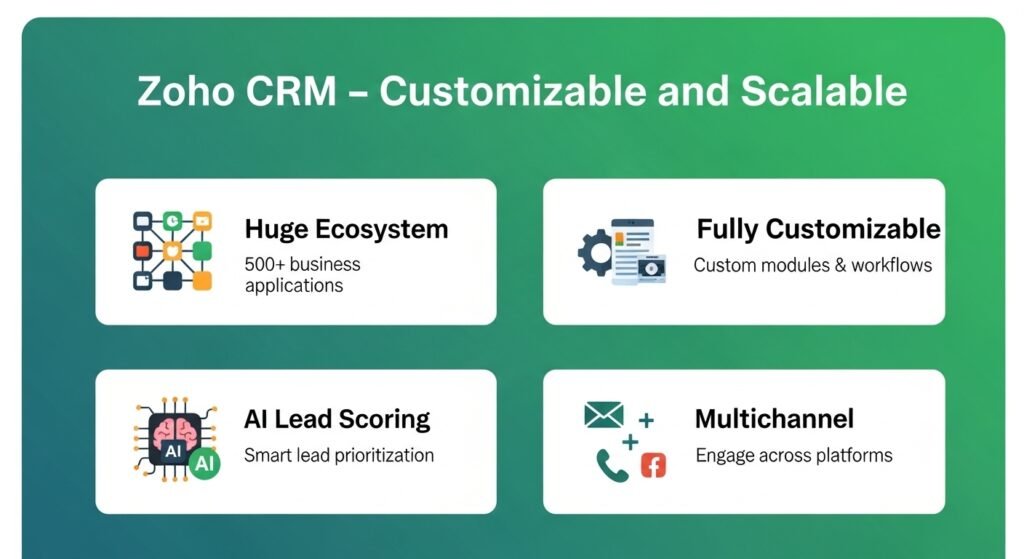
Zoho CRM is a flexible CRM well suited to small businesses that expect to extend workflows and integrations over time. It sits within a massive ecosystem of over 500 business applications, ranging from accounting to human resources. This makes it an ideal choice for businesses that want a single vendor to handle multiple departments while keeping data perfectly synchronized.
The platform is highly customizable, allowing you to create custom modules and page layouts that fit your unique industry terminology. For growing SMBs, Zoho offers an affordable way to access advanced features like AI-powered lead scoring and multichannel engagement (email, social media, and phone). If your business relies on a high volume of leads and requires deep reporting to understand conversion rates, Zoho provides the necessary technical depth without a prohibitive price tag.
3. Pipedrive – Sales-Focused Pipeline Clarity
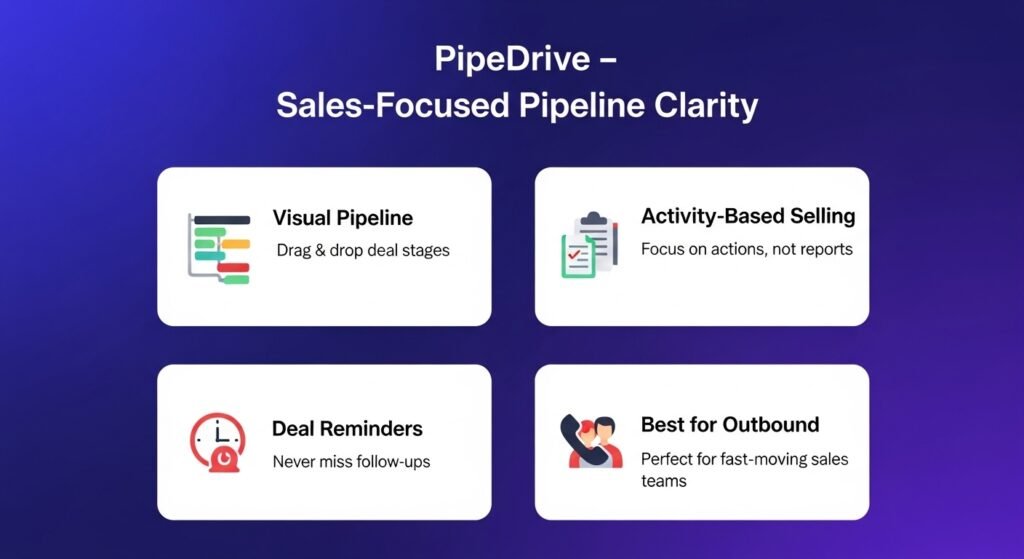
Pipedrive is a sales-pipeline-centric CRM that helps small teams visualize deals and manage sales activities easily. It was built by salespeople, for salespeople, with a philosophy of “activity-based selling.” The interface is dominated by a drag-and-drop Kanban board that makes the status of every deal immediately clear, reducing the time spent in status update meetings.
This CRM is highly effective for outbound sales teams that need to focus on movement. It provides clear reminders for “rotting” deals—opportunities that haven’t had activity in a set number of days—ensuring that follow-ups never slip through the cracks. While it lacks the broader marketing features of HubSpot, its focus on sales execution makes it a powerful choice for businesses where the primary goal is managing a fast-moving, transactional pipeline.
4. Capsule CRM – Simple, Contact-First CRM
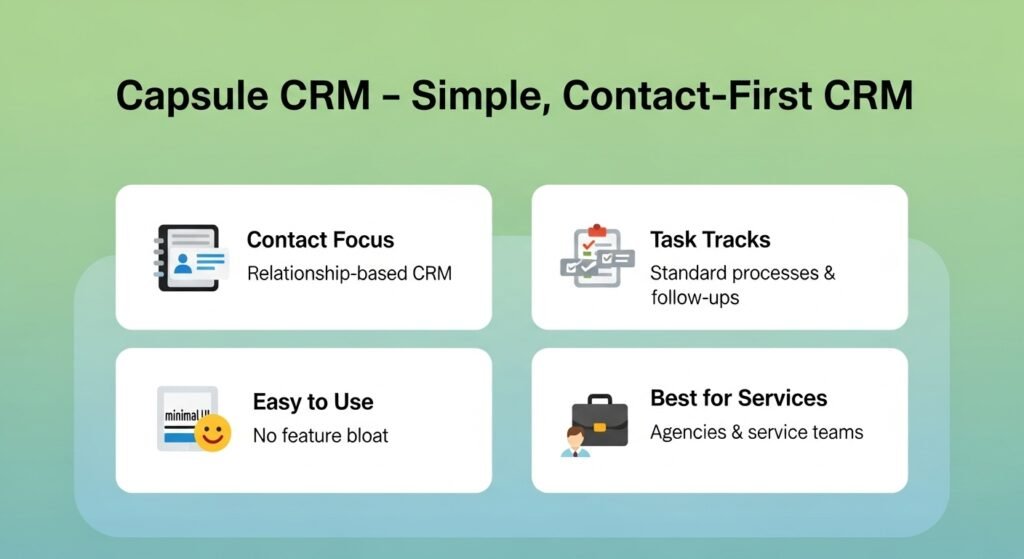
Capsule CRM is a simple, contact-focused CRM ideal for small teams that need straightforward relationship tracking. It avoids the “feature bloat” that often plagues larger systems, focusing instead on the core relationship between a business and its customers. It is particularly strong for service-based businesses, consultants, and agencies where the history of the relationship is as important as the deal itself.
The platform excels at task management and contact organization. You can create “tracks”—standardized sets of tasks—for recurring processes like onboarding a new client or managing a project. Capsule’s clean design and lack of clutter make it very easy to master, ensuring that even non-technical staff can contribute to the database. It is a reliable, “no-fuss” solution for those who want a digital Rolodex that can also manage a basic sales funnel.
5. Freshsales (Freshworks CRM) – Growth-Oriented CRM
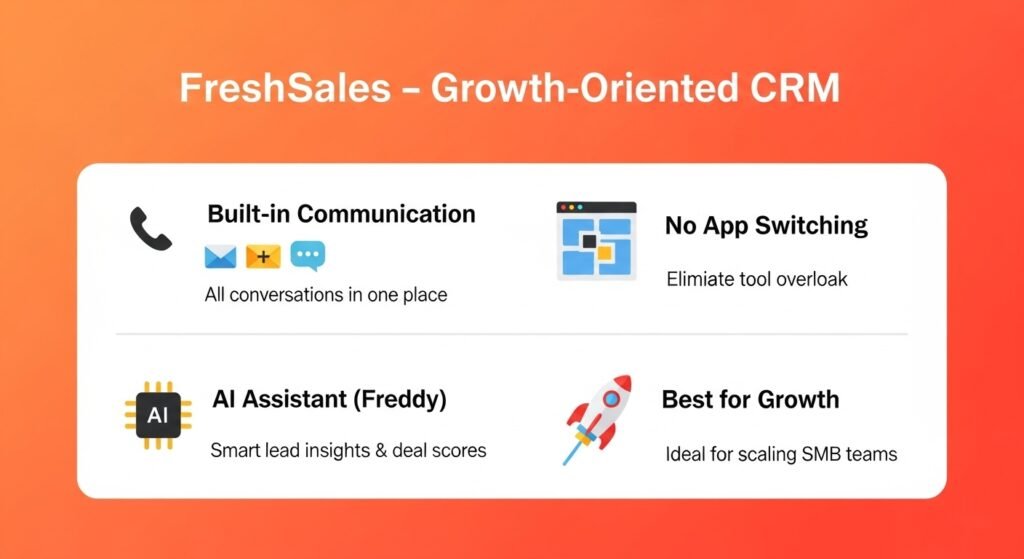
Freshsales (Freshworks CRM) combines sales tracking with built-in engagement and automation tools for growing SMBs. It stands out for its integrated communication features; you can make phone calls, send emails, and chat with website visitors all from within the CRM. This prevents the “app fatigue” that occurs when sales reps have to toggle between five different windows to talk to a single prospect.
Freshsales also utilizes an AI assistant called “Freddy,” which provides lead insights and deal health scores. For a small business, this means having a data-driven way to prioritize high-value prospects without manually analyzing hundreds of records. If your team is growth-oriented and relies on a mix of inbound and outbound communication, Freshsales offers a modern, high-speed environment to manage that volume.
6. Insightly – CRM + Project Tracking
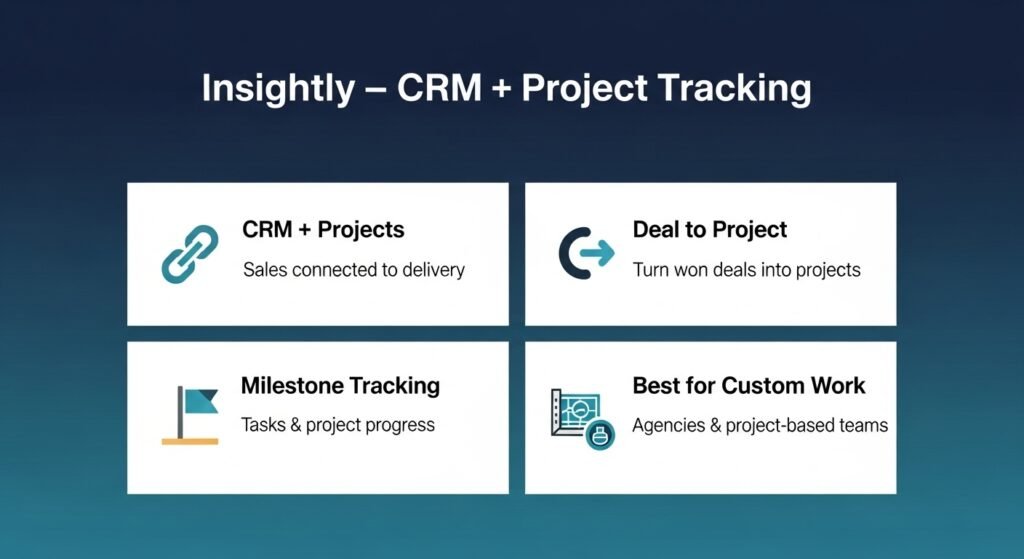
Insightly combines contact and sales tracking with basic project management for small teams. This is a unique differentiator in the SMB space, as most CRMs stop once the deal is won. Insightly allows you to convert a “won” opportunity into a project, ensuring that the promises made during the sales process are successfully handed off to the delivery or fulfillment team.
For businesses that manage custom projects—such as creative agencies, architecture firms, or construction companies—this connectivity is invaluable. It helps maintain “relationship context” long after the initial sale is closed. You can track project milestones, manage tasks, and link emails to specific projects, providing a comprehensive history of the customer’s lifecycle from prospect to long-term client.
7. Agile CRM – CRM With Marketing Automation
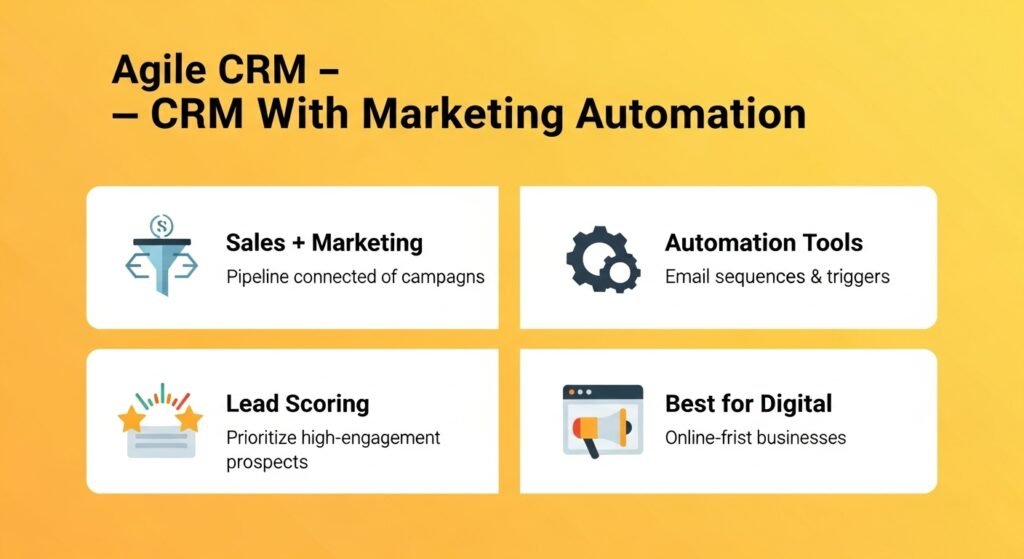
Agile CRM blends sales tracking with marketing automation tools useful for small teams managing campaigns and leads. It is a “workhorse” tool that includes features typically found in much more expensive suites, such as web pop-ups, landing page builders, and social media tracking. By putting these tools in the same database as the sales pipeline, it ensures that your marketing efforts are directly linked to revenue.
This platform is ideal for small businesses with a heavy digital presence. You can score leads based on their website behavior and trigger automated email sequences when a prospect visits a specific page. It helps a small team act like a much larger marketing organization by automating the “nurture” process, allowing the sales reps to focus only on those leads that have reached a high enough engagement score.
8. Keap – Contact Sequencing and Automation
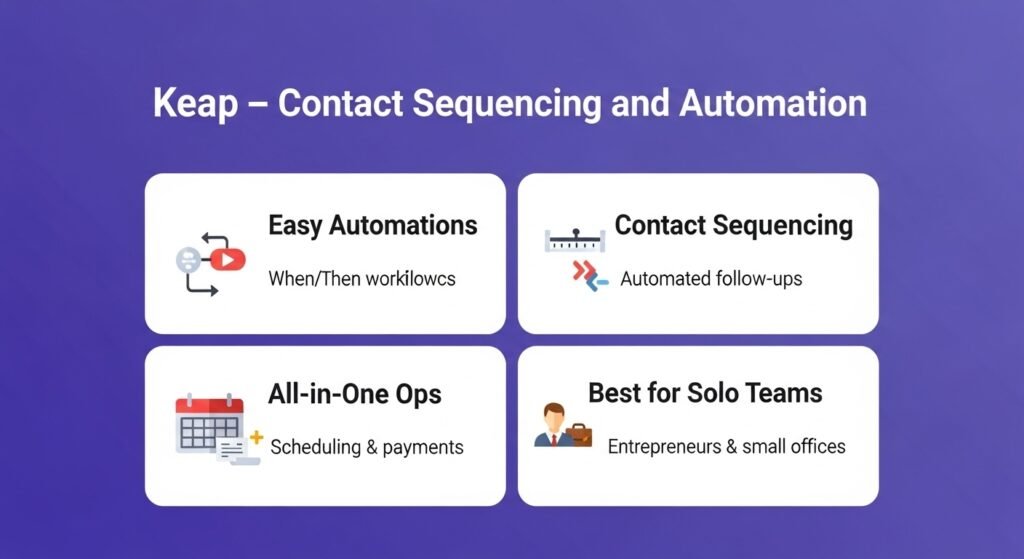
Keap CRM supports small businesses with contact sequencing and automation that help manage follow-ups. It is specifically built for entrepreneurs and small professional service firms that need to automate their “client journey” from lead capture to final invoice. Keap’s strength lies in its “Easy Automations,” which use simple “when/then” logic to handle repetitive administrative tasks.
Businesses that rely on consistent follow-up—like law firms, coaching businesses, or home service providers—benefit from Keap’s ability to “set and forget” client communications. It can handle appointment scheduling, quote generation, and payment processing, all while keeping the customer data organized. It is less about a complex sales pipeline and more about a streamlined, automated operational flow for the solo founder or small office.
9. ActiveCampaign – Advanced Email and Journey Automation
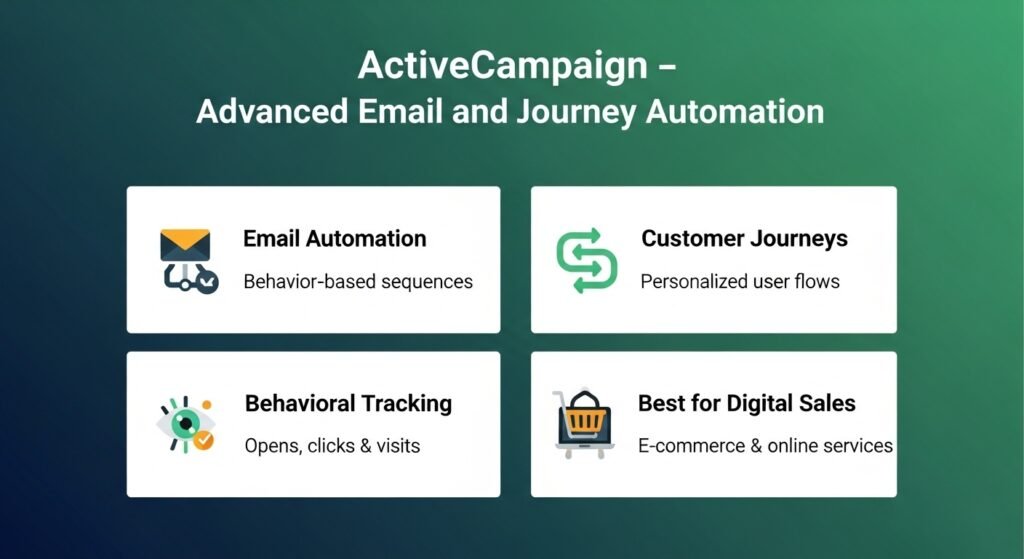
ActiveCampaign combines CRM with advanced email automation and journey tools that help small businesses nurture leads. While it is often categorized as a marketing tool, its “Sales CRM” module is quite powerful for businesses that sell through educational content or long-term engagement. It uses behavioral tracking to trigger specific sequences, ensuring your message is always relevant to the recipient’s current interests.
This CRM makes sense if your sales process is highly dependent on email marketing. You can create complex customer journeys that branch out based on whether a lead opened an email, clicked a link, or visited a specific page on your site. For SMBs in the e-commerce or digital services space, ActiveCampaign provides a level of personalization that can significantly increase conversion rates without increasing the rep’s manual workload.
10. Bitrix24 – CRM With Collaboration Tools
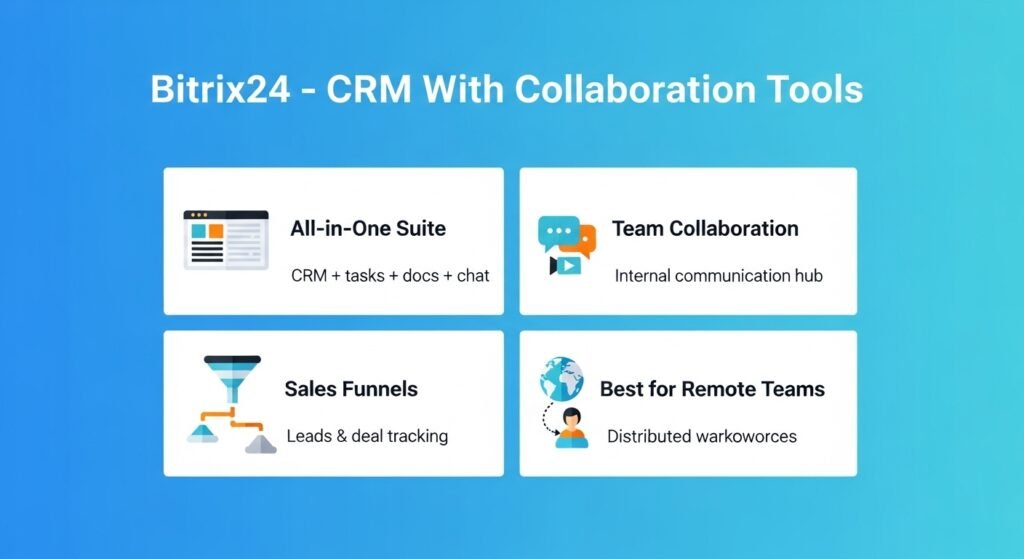
Bitrix24 combines CRM with collaboration and communication tools useful for small teams. It is a “digital office” suite that includes task management, document sharing, video conferencing, and internal chat. For small businesses that don’t want to manage separate subscriptions for Slack, Trello, and a CRM, Bitrix24 offers a unified platform to run the entire operation.
The CRM module within Bitrix24 is quite comprehensive, offering lead management, sales funnels, and even an online store builder. Because it is so feature-rich, the interface can feel a bit dense compared to simpler tools like Pipedrive. However, for a distributed team that needs a central hub for all internal and external communication, Bitrix24 provides immense value in a single package.
11. Zoho Bigin – Ultra-Lightweight CRM
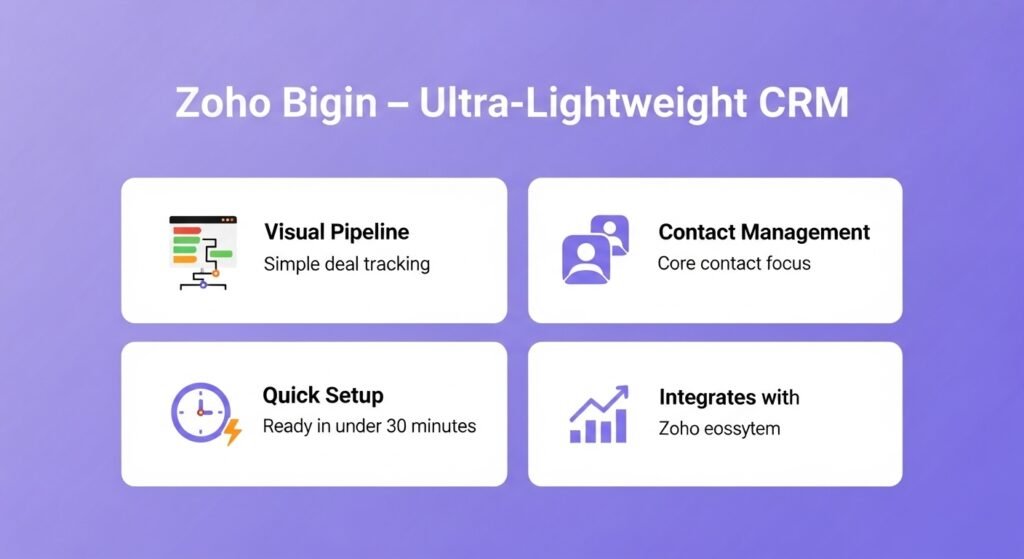
Zoho Bigin is an ultra-lightweight CRM focused on core pipeline and contact tracking for small teams. It is the “younger sibling” of Zoho CRM, designed specifically for those who are moving off spreadsheets for the first time. Bigin strips away the complexity of enterprise software to focus on what matters: managing contacts and closing deals through a visual pipeline.
If you find that most CRMs have too many buttons and menus that you never use, Bigin is likely the right fit. It offers a clean, focused experience that can be set up in under thirty minutes. It still integrates with the broader Zoho ecosystem, meaning you can eventually move to the full Zoho CRM if your needs outgrow Bigin’s streamlined structure.
12. Streak CRM – Inbox-Centric CRM for Gmail Users
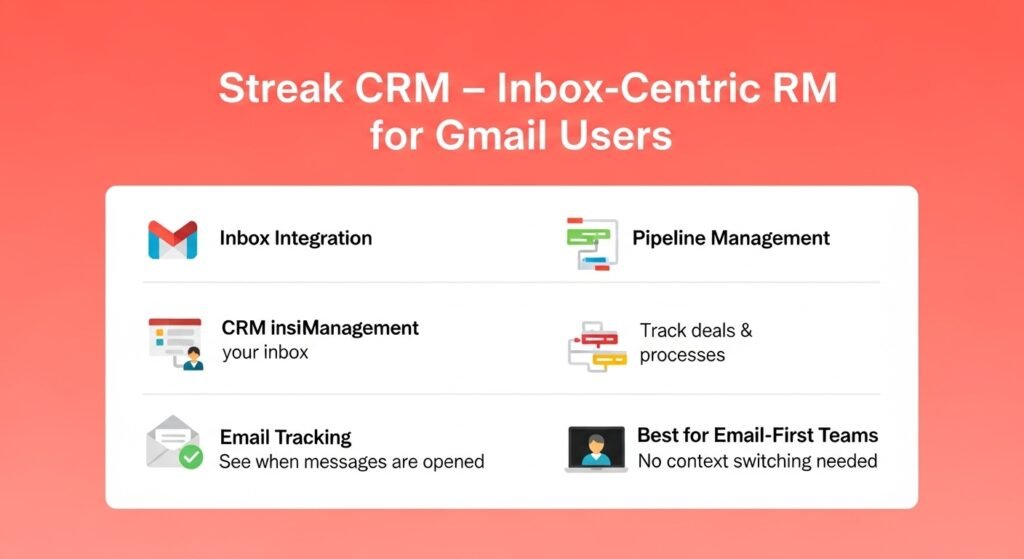
Streak CRM is an email-centric CRM built into Gmail that helps teams manage contacts and pipelines without leaving their inbox. Instead of requiring you to log into a separate website, Streak adds a layer of CRM functionality directly to the Gmail interface. You can track leads, support tickets, and even hiring processes while you are reading and writing emails.
This is a strategic choice for businesses that live in their inboxes. It eliminates the need to “switch contexts” between your email and your CRM, which is where many small businesses lose data accuracy. Streak allows you to see the full history of a lead right alongside your current email thread, and it includes helpful productivity features like “Email Tracking” to see when your messages are opened.
How to Choose the Best CRM for Your Small Business
choosing the best CRM for your small business depends on your workflows, team size, and priorities for sales, marketing, and automation. There is no objective “winner”; there is only the best fit for your current stage of growth. A business that makes 100 cold calls a day has very different needs than a boutique consulting firm that manages five high-value relationships.
To make the right decision, follow these logic steps:
- Define Your Sales Motion: Do you need a visual pipeline (Pipedrive), or are you managing relationship history (Capsule)?
- Evaluate Your Technical Resources: Do you have the time to customize a platform (Zoho), or do you need it to work out of the box (Bigin)?
- Identify Your “Must-Have” Integrations: Does it connect with the accounting (QuickBooks/Xero) and email tools you already use?
- Start with a Trial: Almost all SMB CRMs offer a 14-day trial. Use this to test a real deal through the system with your team.
- Think About the Next 12 Months: Choose a tool that can handle your projected growth so you aren’t forced to migrate data in six months.
Key Features to Consider in a Small Business CRM
Core features to consider in a small business CRM include contact management, pipeline visibility, automation, integrations, and reporting. These are the “building blocks” of a productive sales operation. While individual features may vary, these five areas represent the baseline for a modern SMB software stack.
- Contact Management: Centralized storage for names, emails, and full interaction history.
- Sales Pipeline Tracking: A visual way to see where deals are and what revenue is expected.
- Automation Basics: Automated follow-up reminders and lead tagging to reduce manual entry.
- Integrations: Seamless connection with your email (Gmail/Outlook) and calendar.
- Reporting: Simple dashboards that show your win-rate, lead sources, and team activity.
- Mobile Access: The ability to check deal status and log notes while away from the office.
Focusing on these features ensures that you are solving for productivity rather than just buying more software. A CRM that excels in these areas will provide the visibility you need to identify what is working in your sales process and where you are losing potential revenue.
What Are the Key Takeaways on the Best CRM for Small Business?
The best CRM for a small business is one that fits its workflow, budget, and growth priorities. There is a vast landscape of affordable, high-quality tools available in 2026, each designed to solve specific operational challenges. Success lies in choosing a tool that your team will actually adopt and that provides a clear “single source of truth” for your customer data.
- HubSpot is best for those starting for free with high growth goals.
- Pipedrive is best for sales teams focused on visual pipeline movement.
- Zoho offers the most flexibility and ecosystem depth.
- Keap and ActiveCampaign are the leaders for those prioritizing automation.
- Streak and Bigin are the best options for those who want ultimate simplicity.
Is a Free CRM Always the Best Choice for Small Businesses?
No, a free CRM is not always the best choice because it often comes with limitations on automation, reporting, and the number of contacts. While HubSpot’s free tier is excellent for starting out, many businesses find that they eventually need the “Pro” features—like automated follow-up sequences—to truly scale. You should choose a free CRM only if its current feature set meets your immediate needs without creating manual work.
Does Small Business CRM Need Marketing Automation?
Whether a small business CRM needs marketing automation depends on how you generate leads. If you rely on inbound traffic, web forms, and email newsletters, then integrated marketing automation (like in Agile or ActiveCampaign) is highly valuable. However, if your sales are purely relationship-driven or referral-based, a simple contact manager like Capsule is often more efficient.
Can a Small Business Switch CRMs Easily?
Yes, switching CRMs is possible, but it requires careful data mapping and planning. Most modern CRMs have built-in import tools for CSV files, making the transfer of names and emails relatively simple. The “hidden” cost of switching is often the time spent re-configuring automations and training the team on a new interface, so it is best to choose a tool that can grow with you.
Is Mobile CRM Important for Small Teams?
Yes, mobile CRM is increasingly important for small teams that work remotely or meet clients in person. A robust mobile app allows you to log call notes immediately after a meeting and update deal stages while on the go. This ensures that your pipeline remains accurate in real-time, preventing the “Friday afternoon data dump” that often leads to inaccurate forecasting.
Should Small Businesses Prioritize Integrations?
Yes, small businesses should prioritize integrations because they reduce manual data entry and ensure data consistency. A CRM that “talks” to your accounting software (like Xero or QuickBooks) and your email provider eliminates the need to copy-paste information between apps. This connectivity is what allows a small team to act with the efficiency and professionalism of a much larger company.
Can CRM Tools Scale as Small Businesses Grow?
Yes, most modern CRM tools are built specifically to scale alongside your business. Platforms like Zoho and HubSpot offer multiple tiers that unlock more advanced features, higher data limits, and deeper customization as your revenue increases. When selecting a CRM, always check the pricing and features of the higher tiers to ensure the platform won’t become a bottleneck as your team expands.