
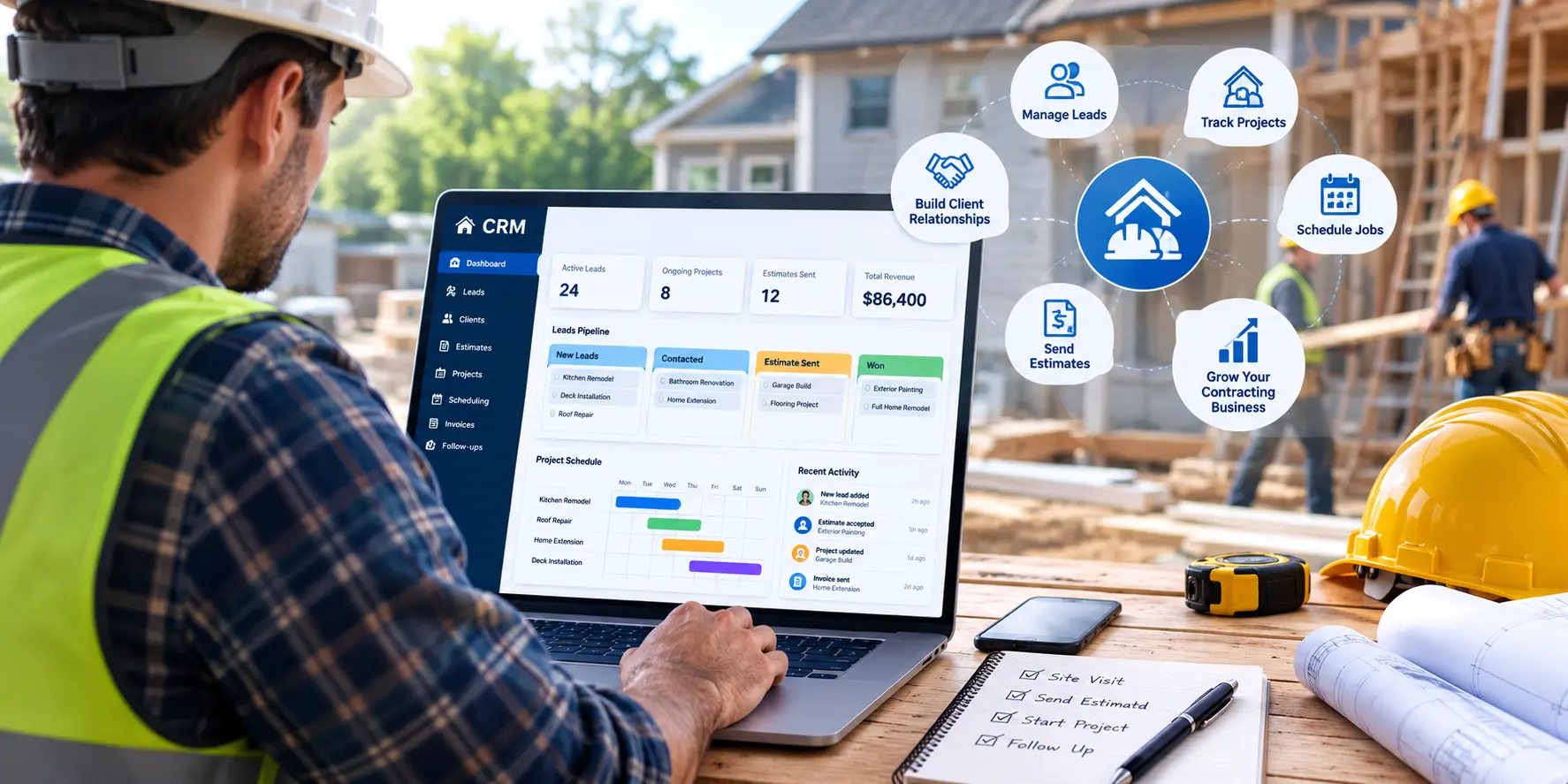
CRM for Contractors: A Buying Guide by Business Type

A CRM for contractors is software that tracks leads, bids, and follow-ups. It is not the same thing as project management software, which runs a job after you win it. The right choice depends on your type of work. General contractors need strong bid tracking. Trade businesses need fast scheduling and quick follow-up. Solo contractors often do fine on a free plan. Match the tool to how you work, not to the longest feature list.
Introduction
Most contractors do not lose jobs because their price was too high. They lose jobs because they called back too late. A slow follow-up can cost you work you already earned. A CRM for contractors fixes this by tracking every lead, bid, and client in one place, so nothing gets lost in a truck, a notebook, or a busy week.
This guide is not tied to one product. We do not sell a CRM, so this list is built around what fits your type of business, not what earns us a sale. We will walk through general contractors, subcontractors, trade businesses, and small crews on a budget.
What Makes a CRM for Contractors Different From a Regular CRM?
A basic office CRM can hold names, emails, and notes. A CRM for contractors goes further. It links every contact to a real job site. It tracks bids and estimates in one place. It works well on a phone, since most contractor work happens on site, not at a desk.
At its core, a CRM for contractors is still a customer database. But it adds job site links, bid tracking, and mobile access on top of that basic function, which is what a regular CRM leaves out.
A lot of small contracting businesses still track leads with a spreadsheet or a paper list. A survey by Capterra in the UK found that about 7 in 10 small businesses use no CRM software at all, and roughly a third still rely on spreadsheets to track their customers. That works for a while. Once you have more than a few jobs running at once, it gets easy to lose track of who called, what was quoted, and who still needs a follow-up.
A good CRM for contractors should give you:
- A record tied to each job site, not just each person
- A simple way to track bids from first call to signed contract
- Mobile CRM access, so you can add notes from the truck
- A core CRM system feature set built for how small teams actually work
Do Contractors Really Need a CRM?
Most lost jobs are not lost on price. They are lost on speed. Research on home service businesses shows that a large share of homeowners hire whichever contractor calls them back first. One report found that about 8 in 10 homeowners hire the first contractor who responds to them.
The trouble is that most contractors are slow to respond. A 2024 study that looked at millions of sales messages found that the average home service business takes close to two full days to follow up with a new lead. By then, most homeowners have already picked someone else.
A CRM for contractors fixes this with lead management and follow-up automation. New leads get logged right away. Reminders go out so no one falls through the cracks. Some tools can even send a quick auto reply the moment a lead comes in, which buys you time to call back properly.
If you are still tracking leads in your head or on sticky notes, a CRM is worth it even at a small scale. The goal is simple: answer faster than the next contractor.
CRM vs Project Management Software: What’s the Difference?
This is one of the most common mix-ups in the contracting world, and it is worth clearing up before you buy anything.
A CRM manages the sales side of your business. It tracks leads, bids, quotes, and client history. It answers one question: who do I need to call, and what did we agree on?
Project management software takes over once a job is signed. It handles scheduling, crews, budgets, and daily site updates. It answers a different question: what needs to happen on site this week?
| CRM | Project Management Software | |
| Main job | Track leads, bids, and client history | Run the job after it is signed |
| Used before or after a sale | Before and during the sale | After the sale |
| Common features | Sales pipeline, follow-up automation, quote and proposal software | Scheduling, task lists, daily logs, budgets |
| Who uses it most | Owner, estimator, sales staff | Project manager, crew leads |
Some tools try to do both. That can work for a small crew, but larger firms often find they need a dedicated tool for each job. One study on this comparison found that contractors using a CRM to automate routine follow-up and proposal work saw productivity gains of up to 30 percent, simply from cutting out manual chasing.
If you want a deeper look at how a project-centric CRM pipeline works for a construction firm, our full construction CRM guide covers that in more detail.
Key Features to Look for in a CRM for Contractors
Before comparing named tools, it helps to know what to look for. Not every CRM built for contractors offers the same core features, and the right mix depends on your trade and team size.
- Mobile CRM access. You should be able to add a note, check a bid, or update a contact from your phone, not just a desktop.
- Lead management and speed-to-lead tools. Look for instant lead capture from your website or phone, plus automatic reminders so no lead sits too long.
- Bid and estimate tracking. Some CRMs link directly to estimating software, so a job’s price can account for job costing details, like labor and materials, before you send the quote.
- Subcontractor management. Some CRMs let you tag subs by trade, store their contact info, and keep notes tied to a specific job.
- QuickBooks integration. Syncing your CRM with your accounting software saves hours of double data entry.
- A visual sales pipeline. A simple board where you can see every lead move from first call to signed job helps most small teams stay organized without much training.
One more number worth knowing: research from 411 Locals found that only about 4 in 10 calls to small businesses get answered by a live person, and most callers who reach voicemail never call back. That alone makes a strong case for a CRM with fast lead capture built in.
What’s the Best CRM for General Contractors?
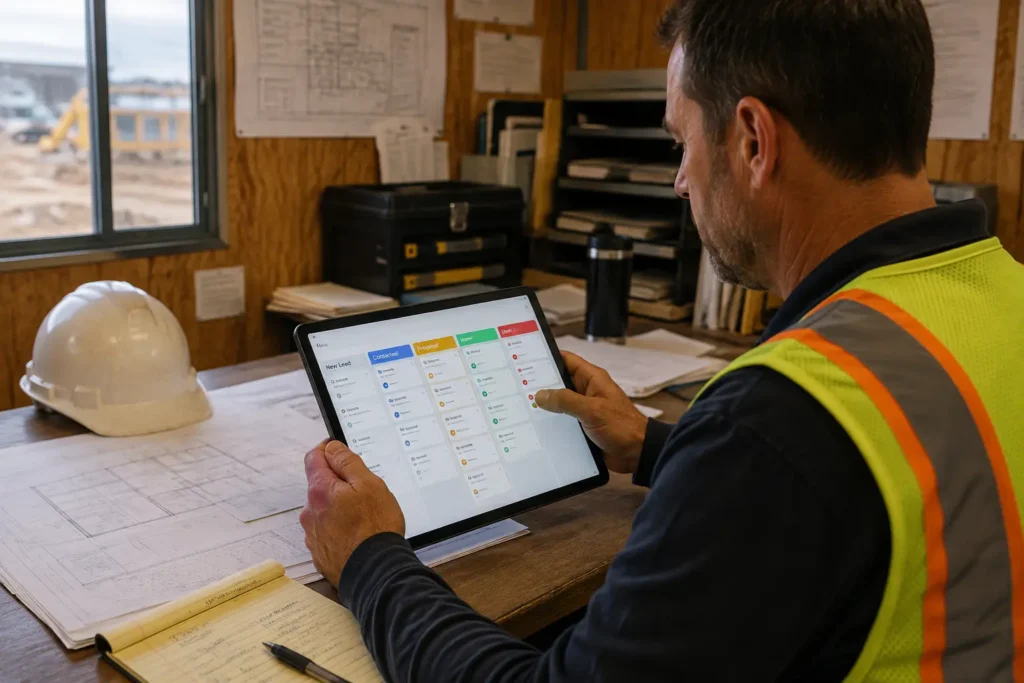
General contractors juggle several bids at once, along with a rotating list of subcontractors on each job. The best CRM for general contractors needs strong bid tracking and a clear view of subcontractor relationships, not just a basic contact list.
| Tool | Best For | Standout Feature | Starting Price |
| JobTread | Solo GCs and small remodeling teams | Tracks the full job, from first estimate to final payment | Custom pricing |
| Buildertrend | Growing GCs handling several projects at once | Combines CRM, budgeting, and daily project updates | From about $499 per month |
| Procore | GCs managing large or complex builds | Deep project management tied to sales and bidding | Custom pricing |
JobTread is built around the full job cycle. It handles the first client call, the estimate, the budget, and the final invoice in one system, which makes it a common pick for smaller remodeling and building crews.
Buildertrend works well once you are running more than a few jobs at a time. It pairs a sales pipeline with project management, so your team is not switching between two separate tools all day. CoConstruct is another option worth a look for custom home builders, since it blends client-facing tools with budgeting in a similar way.
Procore is built for bigger firms with complex projects and several stakeholders. It is not the simplest tool to learn, but for a general contractor running large commercial jobs, the depth is often worth it.
Some general contractors also like monday CRM for its flexible, drag and drop pipeline, especially if they want to build a custom view for each type of job. It is not built only for construction, but it can be shaped to fit.
What’s the Best CRM for Subcontractors and Specialty Trades?
A CRM for construction subcontractors needs to move just as fast as the job does. Subcontractors and trade businesses, like roofing, HVAC, plumbing, and electrical work, tend to need something lighter than what a large general contractor uses. Jobs move fast, quotes need to go out quickly, and most of the work happens through a phone, not a desktop.
| Tool | Best For | Standout Feature | Starting Price |
| JobNimbus | Roofing and general trade subcontractors | Combines light project tracking with CRM in one app | Custom pricing |
| AccuLynx | Roofing contractors | Built-in tools for measurements and insurance claims | Custom pricing |
| Jobber | Small service trade crews | Simple scheduling, quotes, and invoicing in one place | From about $19 per user, per month |
| Housecall Pro | HVAC, plumbing, and electrical contractors | Easy booking and dispatch for service calls | Custom pricing |
A roofing contractor working with insurance claims will likely get more value from AccuLynx, since it is built around the parts of roofing that other CRMs tend to skip, like measurements and claim paperwork.
An HVAC contractor or a plumbing business often leans toward Jobber or Housecall Pro. Both focus on quick scheduling, fast quotes, and a simple client communication history that fits how service calls actually work. Bigger operations with dozens of technicians sometimes outgrow these tools and move up to ServiceTitan, which costs more but covers larger dispatch needs.
If you want a simple, visual sales pipeline without extra job-site features, general sales tools like Pipedrive are also worth a look, especially for a subcontractor who mostly needs to track bids and calls.
If your trade is flooring, we have a full breakdown of flooring-specific CRM needs. If you work in HVAC, our guide to CRM tools built for HVAC contractors goes deeper into that trade.
Best Budget and Free CRM Options for Small Contracting Businesses
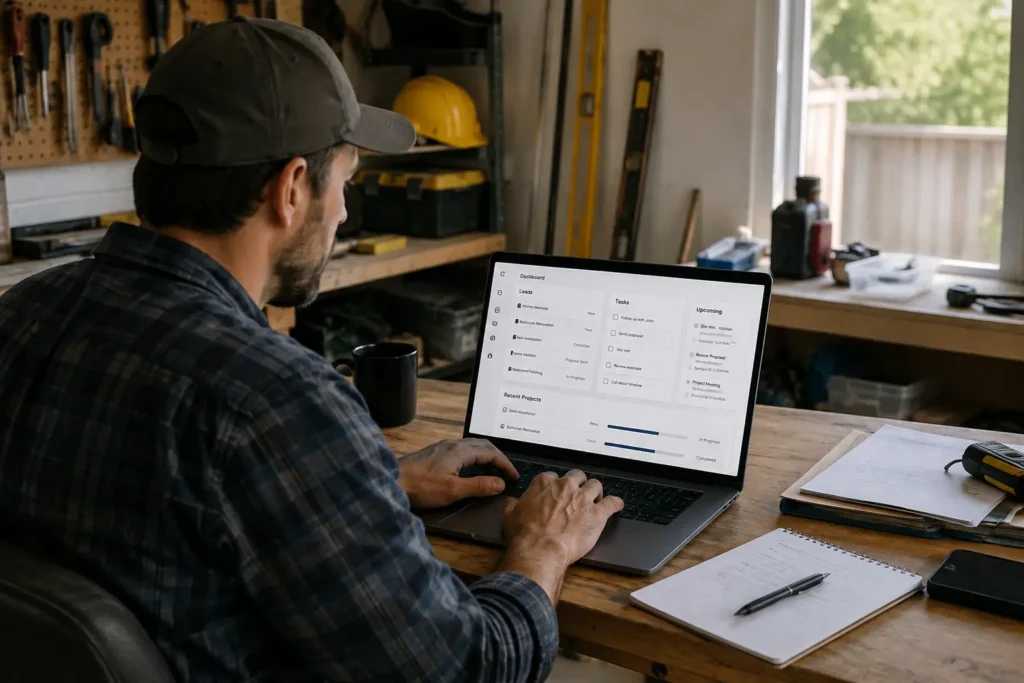
Not every contracting business needs a paid plan right away. If you are a solo contractor or run a crew of two or three, a free CRM for contractors can cover the basics until you grow into something bigger.
- HubSpot offers a free plan with unlimited users, basic contact management, and a simple sales pipeline. It is one of the more complete free CRM options on the market.
- Zoho CRM offers a free plan for up to three users, with lead tracking and basic workflow rules included.
- Capsule CRM offers a free plan for two users and a small contact list, with a plain layout that most people can learn in a day.
Free plans do come with real limits. Contact caps, limited automation, and a lack of trade-specific features are common trade-offs. Still, for a small contractor CRM app that just needs to stop leads from slipping away, a free plan is often enough to start.
For a wider look at free and low-cost options, see our guide to the best free CRM options for small businesses.
How Much Should You Budget for a CRM for Contractors?
Pricing for construction CRM software varies a lot, and it usually comes down to team size and how many features you need bundled in.
| Plan Type | Typical Price | Best For |
| Free plan | $0 | Solo contractors or crews of 2 to 3 |
| Standard CRM | $15 to $60 per user, per month | Small teams needing lead management and a sales pipeline |
| All-in-one platform | $200 to $1,000+ per month | Larger crews needing CRM, scheduling, and project tools in one system |
A basic CRM for small contractors usually falls in the middle tier. You pay per user, and the price grows as your team grows. All-in-one platforms cost more up front, but they can replace several separate tools, which can even out the cost once you count what you were paying for a scheduling app, a quoting app, and a CRM on their own.
How Do You Choose the Right CRM for Your Contracting Business?
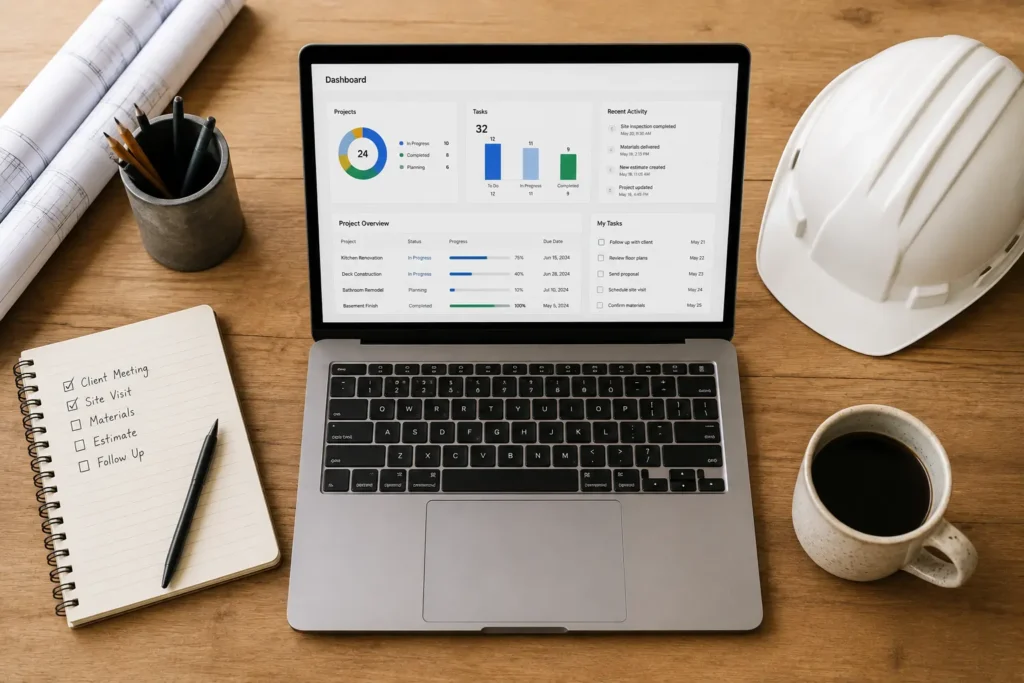
Start by naming your real bottleneck instead of shopping by feature count. Ask yourself what is actually costing you jobs right now.
- Slow follow-up? Look for a CRM with strong lead management and automatic reminders.
- Messy bid tracking? Look for a tool built around a clear sales pipeline.
- No visibility into subcontractors? Look for subcontractor management features, not just a basic contact list.
- Team spread across job sites? Put mobile CRM access ahead of desktop-only features.
Once you have a shortlist of two or three tools, test them with your actual team before you commit. You can also check real user reviews on sites like G2 or Capterra to see how each tool holds up outside the sales pitch. A CRM that looks great in a demo but that your crew will not use is not worth paying for. Poor adoption, not a weak product, is the most common reason a CRM fails to pay off. If you want help getting your team to actually use it, our guide walks through the setup steps.
Is the Investment Worth It?
Research from Nucleus Research has tracked CRM return on investment for years. Their most cited figure puts the average return at $8.71 for every dollar spent, though their more recent analysis puts a more typical, market-matured number closer to $3.10 per dollar. Either way, a CRM tends to pay for itself well beyond its monthly cost, as long as your team actually logs leads and follows up on them. For the full math behind this, see our guide on how to calculate CRM ROI.
Final Thought
There is no single best CRM for contractors. The right pick depends on your trade, your team size, and what is actually slowing you down right now. A general contractor juggling bids needs different tools than a solo HVAC tech running service calls.
Start with the section above that matches your business, test one or two tools with your team, and go from there. If you are still weighing options and want an honest second opinion, reach out to us directly. We do not sell a CRM, so our only goal is helping you pick the one that actually fits.
FAQ
Can I use HubSpot or Salesforce as a contractor?
Yes. Both offer general business CRM plans that work fine for a contractor. You will just get less trade-specific help, like bid tracking or job-site tools, than you would from a CRM built for contractors.
What CRM do most roofing contractors use?
Many roofing contractors use AccuLynx, since it is built around measurements and insurance claims. General tools like JobNimbus and Jobber are also common, especially for smaller roofing crews.
Is a CRM worth it for a solo contractor?
Often yes, even on a free plan. The main benefit, not losing track of a lead, matters at any team size. Paid, per-user plans make less sense until you add more people to your team.
Does a CRM replace QuickBooks?
No. A CRM tracks leads and client relationships. QuickBooks tracks your accounting. Most contractor CRMs offer QuickBooks integration so the two systems share data instead of replacing each other.
How long does it take to set up a CRM for a contracting business?
A basic setup, with pipeline stages and a lead capture form, can be running in a day or two for a small crew. Getting your whole team using it well usually takes a few weeks.
Can a CRM help with subcontractor scheduling?
Some CRMs include light subcontractor management, like contact tags by trade. Full scheduling and dispatch usually live in separate project management or field service management software instead.
What’s the easiest CRM for contractors who are not tech-savvy?
Simple, visual tools like Capsule CRM or Jobber tend to have the shortest learning curve. If your team is not comfortable with software, ease of use should matter more than a long feature list.