
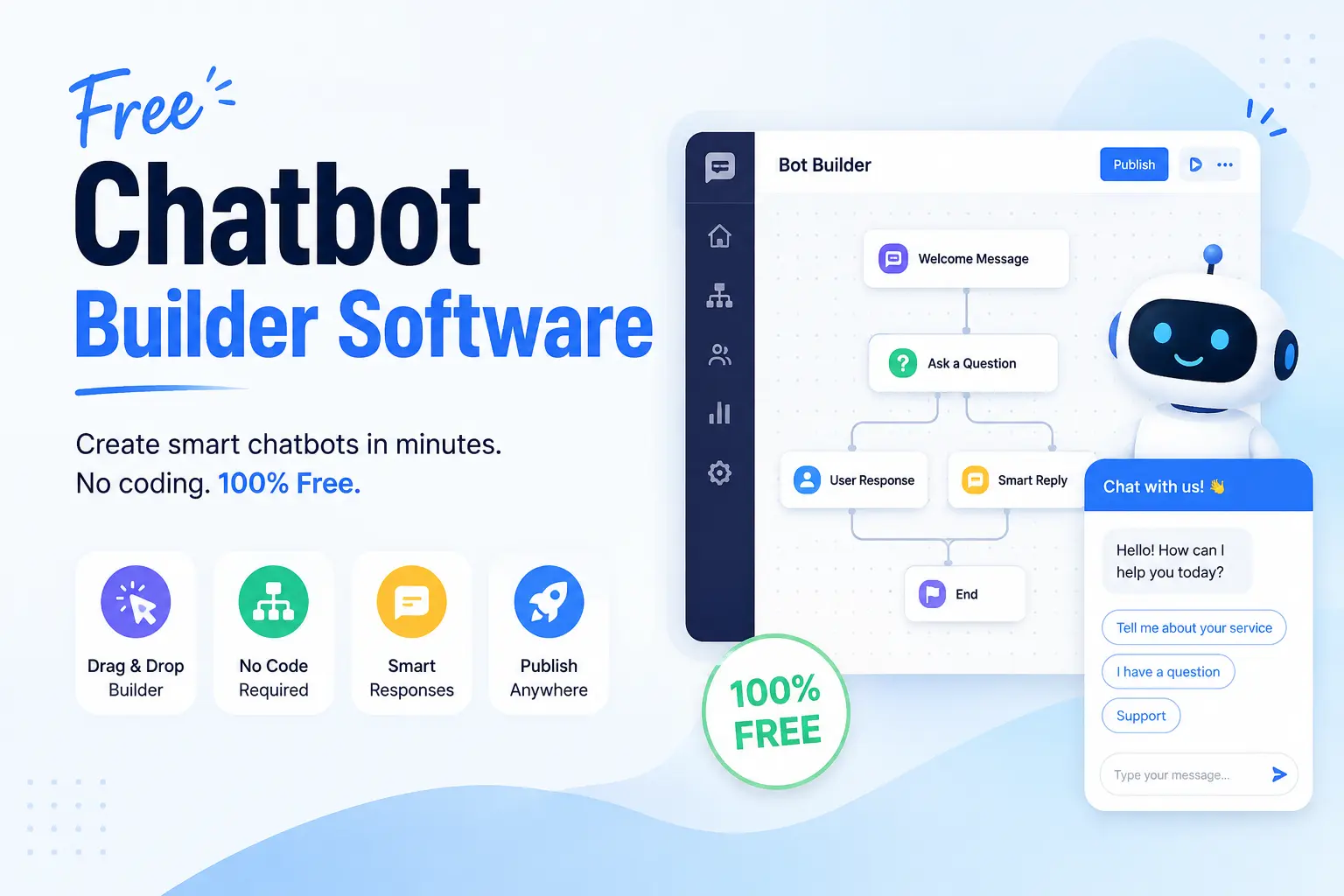
Free Chatbot Builder Software: 10 Best Free Tools Compared (2026)

Free chatbot builders come in three types. Some are free forever but cap your messages or contacts. Some are free trials that turn into paid plans after a few weeks. Some are open source chatbot software you host yourself for free. The right pick depends on your channel, whether you need AI or simple rule based chats, and whether the tool syncs with your CRM. Check the real limits before you build, not after you sign up.
A Missed Question Is a Missed Lead
A visitor lands on your site at midnight and asks a question. Nobody answers. They leave. A free chatbot builder could catch that lead while you sleep, but every chatbot builder software claims to be free. The real limits only show up after you sign up.
This guide compares the best free chatbot software on the market today. You will see what each free plan actually includes, which tools use AI, and which ones send your leads straight into your CRM.
What Actually Counts as a Free Chatbot Builder?
Not every “free” chatbot builder means the same thing. There are three kinds, and mixing them up wastes your time.
The first kind is a free forever plan. You never pay, but the tool caps how many chats, contacts, or messages you get each month. Most also keep the vendor’s own branding on your chat widget until you upgrade. This is what most people mean when they search for a chatbot builder free plan.
The second kind is a free trial. You get every feature for a set number of days, often 7 to 14. After that, you pay or you lose access.
The third kind is a self-hosted chatbot, also called an open source chatbot builder. The code itself is free, and there is no cap on chats or contacts. But you have to host it on your own server, which takes technical skill and often costs some money in hosting fees.
Chatbot use keeps growing fast. Grand View Research says the global chatbot market was worth about $11.8 billion in 2026, and it keeps climbing each year. More free tools enter the market all the time, which is good for small businesses on a tight budget.
Before you pick a tool, know which of these three types you are looking at. A free chatbot maker no coding required is not the same thing as a free trial that expires in two weeks, and it is not the same thing as software you have to install yourself.
What Should You Look for in a Free Chatbot Builder?
Check four things before you pick a free plan. Look at the message or chat cap, whether the bot uses AI or just fixed rules, what happens to your branding, and whether leads flow into your CRM on their own. Free plans that hide these limits until after signup cause the most frustration for small business owners.
Here is a simple checklist to run through before you sign up:
- Message or contact limit. Most free plans cap you somewhere. Some cap chats per month. Others cap total contacts instead.
- AI vs rule based. A no-code chatbot builder free plan might only offer fixed button menus, not real AI chat that reads open ended questions.
- Branding. Many free plans show “Powered by [Tool Name]” on your chat widget until you pay.
- CRM integration. Some free plans sync leads with your CRM the moment a chat ends. Others need a separate automation tool to make that connection.
- Channel support. Check if the free tier covers your website only, or if it also reaches WhatsApp, Facebook Messenger, and Instagram.
- Chatbot analytics. Look at whether the free plan shows you basic chatbot analytics, like how many chats turned into leads.
Free plan limitations show up in different spots for different tools. IBM has found that chatbots can solve about 80 percent of routine customer questions without any human help. That number only holds true if you pick a tool that fits your actual use case, not just the cheapest one on the list.
If your team leans more on real time human replies than automated bots, our guide to live chat CRM tools covers that path too.
The 10 Best Free Chatbot Builder Software Compared
We compared the best free chatbot software across free plan limits, AI support, and CRM integration. Here is a quick view, followed by a closer look at each tool.
| Tool | Best For | Free Plan Limit | AI or Rule Based | CRM Sync |
| HubSpot | Free CRM plus chatbot in one place | Unlimited users, capped features | Rule based | Native, its own CRM |
| Tidio | Live chat plus AI chatbot | Capped AI replies | Both | Basic |
| ManyChat | Messenger and Instagram chatbot | Capped contacts | Rule based, some AI | Limited |
| SendPulse | Multi-channel chat with built in CRM | 3 bots, 500 subscribers | Rule based | Basic, built in |
| Landbot | Visual, no-code flow builder | 100 chats a month | Rule based | Limited |
| Freshchat | Live chat integration plus a simple bot | Capped conversations | Rule based | Basic |
| Pandorabots | Custom scripted AI chats | Capped, developer focused | AI (scripted) | None |
| ProProfs Chat | Ready to use chatbot templates | Capped chats | Rule based | Limited |
| Botpress | Full control, self-hosted | No cap, you host it | AI capable | Custom, developer built |
| Zapier Chatbots | Connects chat to your other apps | 100 tasks a month | AI (via ChatGPT) | Via bridge to any CRM |
1. HubSpot
HubSpot offers a free chatbot builder built right into its free CRM. You can build bots with a visual editor and no code. The free plan includes unlimited users, and every chat ties straight into your contact records. Templates help you start fast, whether you want to qualify leads, book meetings, or answer common support questions.
Best for: businesses that also want a best free CRM software option in the same place as their chatbot. Watch out for: the free plan sticks to simple rule based flows, not open ended AI conversation.
2. Tidio
Tidio combines live chat with a chatbot builder in one dashboard. Its free plan lets you build bots with a drag and drop editor and pick from ready made chatbot templates. Tidio also includes an AI chatbot feature that uses natural language processing (NLP) to read customer questions, though free use of that AI feature is capped.
Best for: businesses that want both live chat and a taste of AI chat in one tool. Watch out for: the deeper AI replies run out fast on the free tier.
3. ManyChat
ManyChat is built mainly as a Messenger chatbot and Instagram tool, with a website option too. Its free plan lets you build flows with a visual editor and reach a set number of contacts each month. It works well for stores and brands that sell or support customers through social media and, in many cases, Shopify.
Best for: social media heavy businesses that live on Facebook Messenger or Instagram. Watch out for: the free plan limits how many contacts you can message each month.
4. SendPulse
SendPulse offers a free chatbot builder that works as a WhatsApp chatbot, plus support for Instagram, Facebook Messenger, Telegram, and more. The free plan allows a small number of bots and subscribers, and it comes with basic CRM and email tools built right in.
Best for: businesses that want one dashboard for chat, email, and simple CRM tasks. Watch out for: the free plan caps you at a small subscriber count.
5. Landbot
Landbot is a no-code chatbot builder free for testing, using a visual, drag and drop flow. Its free sandbox plan allows a capped number of chats each month, which is enough to try it out but tight for daily use on a busy site.
Best for: businesses that want to design detailed conversation flows without writing rules by hand. Watch out for: the free chat limit is small, so real traffic can push you to upgrade fast.
6. Freshchat
Freshchat pairs live chat integration with a basic chatbot on its free plan. It fits teams that already use other Freshworks tools for support. The free bot handles simple, rule based conversations rather than full AI chat.
Best for: small support teams starting out with both live chat and a bot in one place. Watch out for: the deeper AI features sit behind a paid plan.
7. Pandorabots
Pandorabots is one of the older names in chatbot building. It uses a scripting language built for chatbots, which suits developers or technical users who want to write custom conversation logic instead of only clicking through templates.
Best for: technical users who want more control over how the bot replies. Watch out for: it has a steeper learning curve than most no-code tools on this list.
8. ProProfs Chat
ProProfs Chat offers a free plan with ready to use chatbot templates for common jobs like lead capture, appointment booking, and basic support. It pairs chat with a wider suite of help desk and knowledge base tools.
Best for: businesses that want a quick, template based bot without much setup work. Watch out for: some features across the wider suite need a paid plan.
9. Botpress
Botpress is an open source free chatbot builder you host yourself, with no usage cap since you control the server. Some technical teams pick Rasa instead, another open source option built for similar self-hosted setups.
Best for: technical teams that want full control and no message limits. Watch out for: you need to manage your own hosting, which takes time and some cost.
10. Zapier Chatbots
Zapier lets you build a free chatbot using its own automation tools together with ChatGPT. The free plan runs a set number of tasks each month, and it connects your chatbot to thousands of other apps, including most CRMs, email tools, and spreadsheets. Most of these tools run as SaaS, meaning you access them through a browser, except for self-hosted options like Botpress and Rasa.
Best for: businesses that already use Zapier and want a chatbot that plugs into an existing setup. Watch out for: free plan tasks run out fast if your chatbot triggers many actions.
How Do Free Chatbot Builders Compare on CRM and Lead Capture Sync?
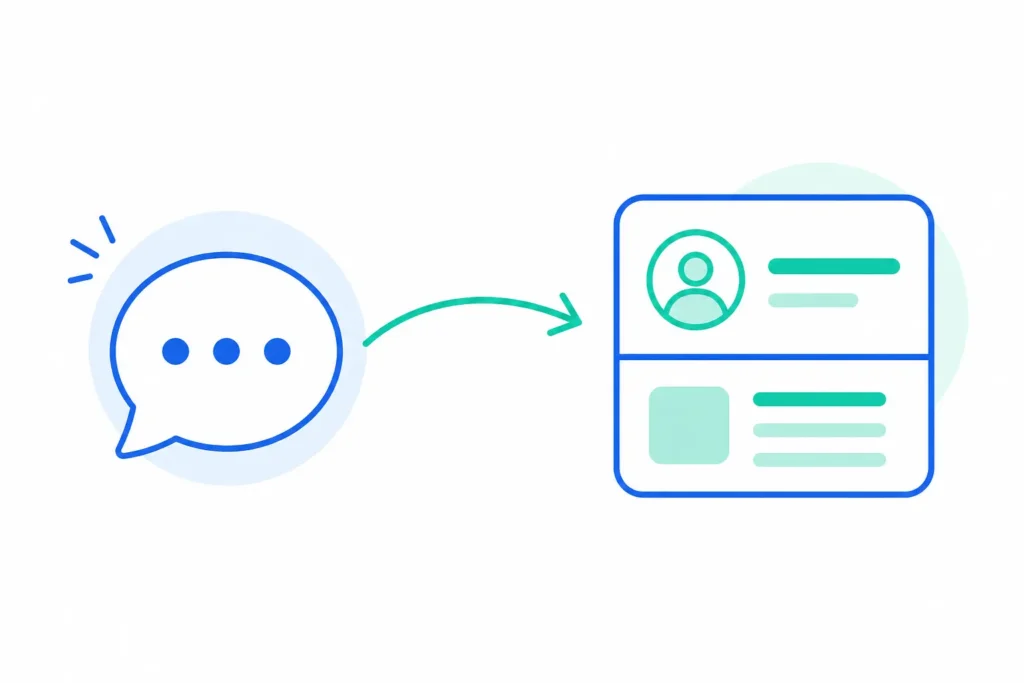
Most free chatbot plans can connect to a CRM, but the quality differs a lot. Some map contact fields on their own and skip duplicate entries. Others need a separate automation tool, such as Zapier, to bridge the gap. A few free tiers block CRM integration completely until you upgrade to a paid plan.
| Tool | Native CRM Sync | Needs a Bridge Tool |
| HubSpot | Yes, its own CRM | No |
| Tidio | Basic | Sometimes |
| ManyChat | Limited | Often |
| SendPulse | Basic, built in | No |
| Landbot | Limited | Often |
| Freshchat | Basic | Sometimes |
| Pandorabots | None | Yes |
| ProProfs Chat | Limited | Sometimes |
| Botpress | Custom, developer built | Not applicable |
| Zapier | Not applicable, it is the bridge | Not applicable |
If your chatbot only lives on your website and never talks to your CRM, you end up copying leads by hand from one screen to another. That defeats the whole point of automation. Tools like HubSpot and SendPulse keep this simple because the chatbot and the CRM live in the same system. Other tools, including ones that connect to Zoho or Salesforce, need help from a bridge tool like Zapier to move a new lead from a chat into a saved contact record.
For a closer look at wiring a chatbot into your CRM step by step, read our guide on connecting a chatbot to your CRM.
Free vs Paid Chatbot Builders: When Should You Upgrade?
Upgrade once your bot regularly hits its message or contact cap, once you need to remove the vendor’s branding, once you need more than one channel such as web plus WhatsApp, or once you need a live agent to jump into the chat. Most teams outgrow a free plan within a few months of real traffic.
Watch for these signs that it is time to compare chatbot pricing and move up:
- You hit your monthly chat or contact cap often
- You want your own logo on the chat widget, not the vendor’s
- You need to support more than one channel, like your website and WhatsApp together
- You need a human agent to step in and take over mid chat
- You need deeper chatbot analytics to track what is working
This matters most if you are running a free chatbot builder for small business use, where every dollar counts and a surprise overage fee can throw off a budget. One survey found that 79 out of 100 customer service leaders now say adding AI chat tools is a must for their business, not just a nice extra. That pressure to grow past a free plan is real, and it tends to show up faster than most business owners expect.
Rule Based vs AI Chatbot Builders: Which Free Option Fits You?
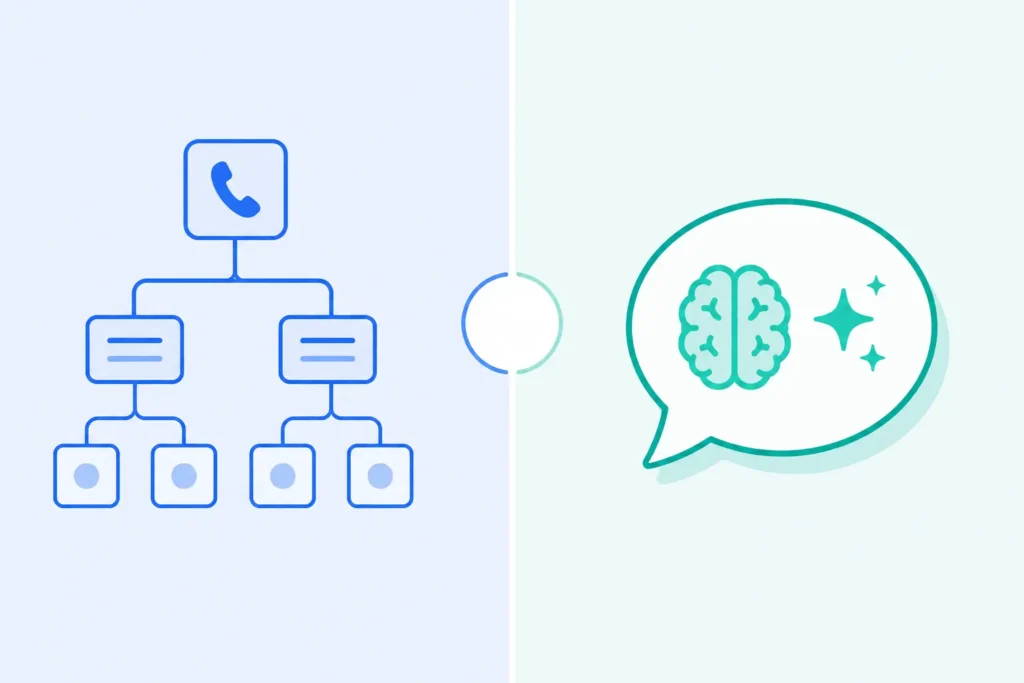
A free rule based chatbot follows a fixed set of buttons and scripted replies. It is quick to set up and works well for FAQs and lead forms. A free AI chatbot builder understands open ended questions and can pull answers from your own content, but free AI usage is often capped tighter than rule based usage. Pick rule based if you need something live today. Pick AI if your customers ask varied questions that do not fit a script.
A rule based chatbot works like a phone menu. You press 1 for sales and 2 for support. It never gets confused, but it also never handles a question outside its script. A conversational AI chatbot reads the actual words a visitor types and tries to give a real answer, even if the question is phrased in a new way each time.
About 68 out of 100 chatbots on the market today use this kind of AI instead of fixed rules, based on recent industry tracking. Free AI tiers usually work fine for testing, but they cap how many AI replies you get each month faster than a plain rule based plan would.
How Do You Set Up a Free Chatbot Builder in Under 30 Minutes?
Most free chatbot builders follow the same steps. Sign up, pick a template or goal, customize the flow in a visual editor, connect your CRM if you need it, then paste a small code snippet on your site. No coding is required for any tool on this list.
- Sign up for a free account and pick your channel, such as website, WhatsApp, Facebook Messenger, or Instagram.
- Choose a chatbot template that matches your goal, like lead capture or simple support.
- Edit the conversation flow with the visual, drag and drop chatbot builder. No code needed.
- Connect your CRM or email tool if the free plan allows it.
- Copy the widget snippet and paste it onto your website, or publish it to your chosen channel.
Frequently Asked Questions
Is there a truly free chatbot builder?
Yes. Several tools offer plans that stay free forever, not just a trial. But they cap your chats, contacts, or channels, and they usually keep the vendor’s name on your chat widget until you pay.
Can I build a chatbot for free without coding?
Yes. Every tool in this guide uses a visual, drag and drop, or template based builder. You do not need to write code for common jobs like FAQs or lead capture.
What is the difference between a free trial and a free chatbot plan?
A free trial gives you every feature for a short time, often 7 to 14 days, before you have to pay. A free plan runs forever but keeps limits on usage, features, or branding.
Are free chatbot builders AI powered or rule based?
Both types exist. Some free plans include basic AI that reads open ended questions. Others only follow fixed rules and buttons. Check this before you sign up, since the word free does not guarantee AI.
Can a free chatbot builder connect to my CRM?
Often, yes, but the quality varies. Some tools sync new contacts on their own. Others need a bridge tool like Zapier. A few free tiers block CRM integration until you upgrade.
How many messages or chats do free plans usually allow?
Limits vary a lot by tool. Some cap the number of chats per month. Others cap total contacts or subscribers instead. Always check the current limit on the vendor’s own site before you commit.
When should I upgrade from a free chatbot builder?
Upgrade once you hit your usage cap often, need to drop the vendor’s branding, need more than one channel, or need a human agent to jump into the chat.
Try a Few Before You Commit
Pick two or three tools from this list and test them yourself before you commit to one. Your real use case, whether that is lead capture, support, or sales, will show you which free plan actually fits your business. If getting your chatbot leads into your CRM the right way matters most to you, our guide on connecting a chatbot to your CRM walks through that setup step by step.